







.png)
Menu


Migrate from WordPress to Webflow without losing traffic
We migrate your content, map your redirects, and protect your search rankings through the transition, so the move from WordPress to Webflow doesn't cost you traffic.
Contact Sales
500+
Webflow sites launched
2017
Building in Webflow since
Enterprise
Webflow Enterprise Partner



Why companies move from WordPress to Webflow

.svg)
No more
plugin maintenance
Webflow handles forms, animations, CMS, and hosting natively, so you're not relying on a stack of plugins that break every time something updates.

Your marketing team moves
without dev tickets
Publish pages and launch campaigns without a dev ticket. Same-day launches instead of week-long cycles.

Faster load times,
better performance
Webflow outputs static HTML and CSS on a global CDN, which means faster load times, better Core Web Vitals, and less infrastructure to manage.

One platform
instead of ten
Hosting, SSL, and version history are all built in. One bill instead of ten tools and a developer to babysit them.
Built to scale
from day one
Every site runs on Client-First, our open-source Webflow class naming system. Clean, maintainable, and ready for whoever touches it next.
process
How we migrate your WordPress site to Webflow

01
Audit and discovery
We review every page, post, and integration on your WordPress site. We identify what migrates, what gets redirected, and what gets retired, then scope the project before any build work begins.
02
Content and SEO mapping
Every URL, meta title, description, and internal link gets documented. We build a full redirect map before we touch anything.
03
Design and component system
We rebuild your site in Webflow with a scalable component system on Client-First. Brand refresh included if you need it.
04
CMS content migration
Blog posts exported from WordPress, field-mapped to Webflow's CMS, and imported programmatically. Tested in staging with rollback in place.
05
301 redirects, QA, and launch
Every old URL gets a redirect. We test across devices and browsers, validate every link, and submit updated sitemaps. We launch when it's clean.
06
Post-launch monitoring
Five days of dedicated support after launch. After that we monitor rankings, traffic, and crawl health so if something moves, we catch it early.

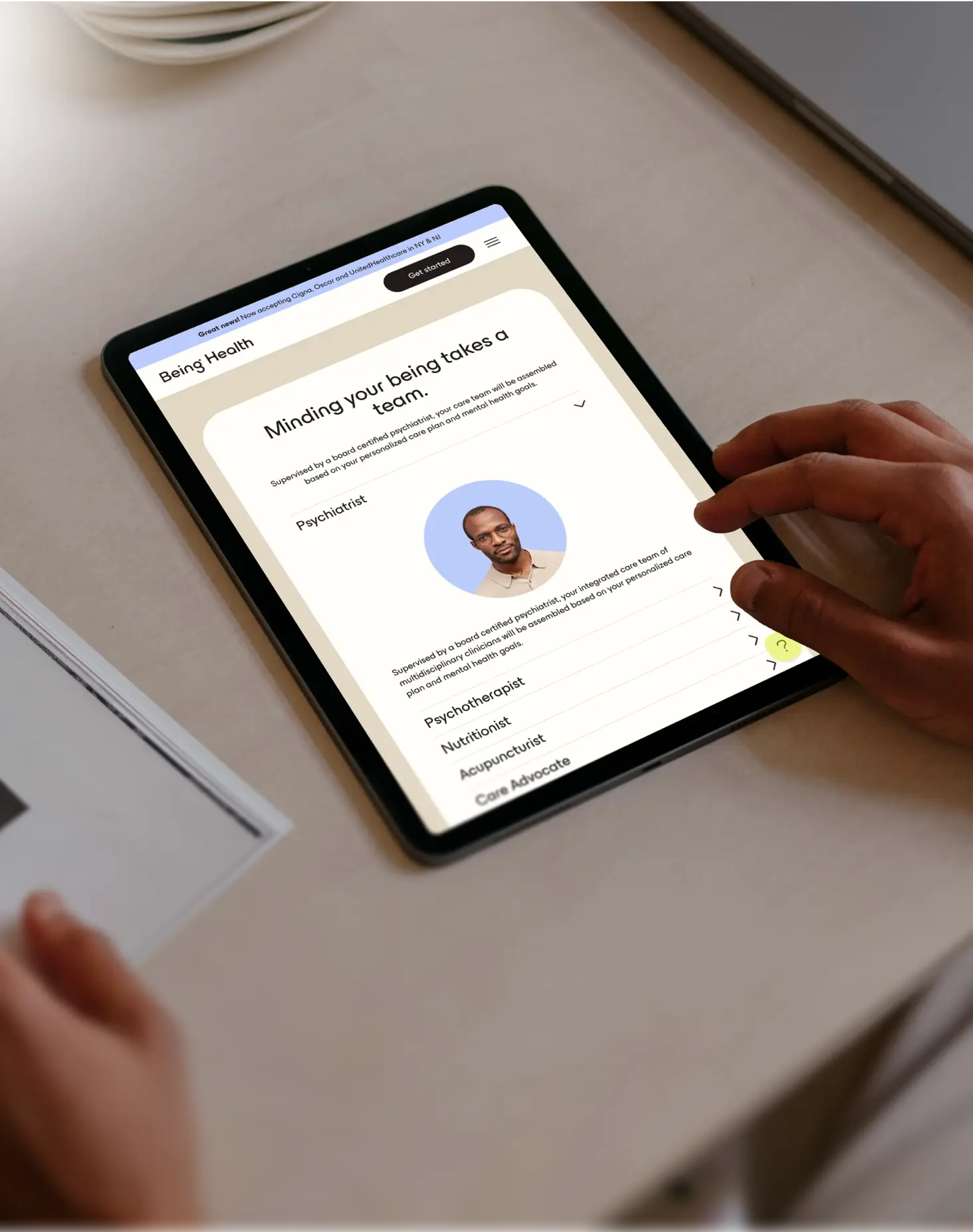
being health team
The Finsweet team made the process comfortable and answered any questions we had along the way. We were able to dive deep into the process and they gave us both the time and opportunity to provide detailed feedback at every round. I would recommend Finsweet to others for its expertise, value, and quality of work provided.
What happens to your SEO when you migrate from WordPress to Webflow
This is the first question everyone asks. It's the right one. A bad migration can tank your organic traffic overnight. Here's how we make sure that doesn't happen.

URL mapping
Every WordPress URL mapped to its Webflow equivalent before we start building.

301 redirects
Any URL that isn't rebuilt in Webflow gets a 301 redirect, so your link equity stays intact.

Metadata and content structure
Title tags, descriptions, Open Graph data, and heading structures all carried over and audited for improvements.

Technical improvements
Cleaner code, faster loads, and better Core Web Vitals scores. Your rankings get a stronger foundation to sit on.

Sitemap and indexing
Clean XML sitemap submitted to Search Console. Crawl stats monitored until Google picks up the new structure.

AI search optimization
We add structured data and schema markup so your site gets cited in ChatGPT, Perplexity, and Google AI Overviews, not just traditional search.
How we build in Webflow

Built for handoff
Built on Client-First, our open-source class naming system used by thousands of Webflow developers. It keeps your project organized so anyone on your team can pick it up and understand it immediately.

No plugin dependency
Powered by Attributes, our open-source JavaScript library built for Webflow. It handles the functionality plugins typically provide, so updates don't break the site.

How we work together
Direct access to your designer and developer throughout the project, with calls ramping up as you get closer to launch.
WordPress to Webflow
migration timeline and investment
Timeline
Every migration is scoped
individually. Timeline depends on:
- Site size and number of pages
- CMS complexity and content volume
- Integrations like HubSpot, Marketo, APIs
- Whether we're redesigning alongside the migration
- Content readiness on your end
We give you a checklist early to keep things on track.
Investment
Every project is scoped individually. We review your site, talk through your goals, and give you a clear number before anything starts
Post-launch support
- Pay-as-you-go, no retainer
- Hourly rate card, no monthly minimum
- Credit balance you draw from as needed
- Direct developer access through Slack
Contact Sales
See the difference



Page load:
3.2s

Plugins:
18

Update cycle:
00


Page load:
3.2s
Plugins:
18
Update cycle:
00
Page load:
3.2s
Plugins:
18
Update cycle:
00

Page load:
3.2s
Plugins:
18
Update cycle:
00

Page load:
3.2s
Plugins:
18
Update cycle:
00

Page load:
3.2s
Plugins:
18
Update cycle:
00

Page load:
3.2s
Plugins:
18
Update cycle:
00

Page load:
3.2s
Plugins:
18
Update cycle:
00
Page load:
3.2s
Plugins:
18
Update cycle:
00
Page load:
3.2s
Plugins:
18
Update cycle:
00
Genetesis Team
Our Finsweet experience was above and beyond what we could’ve asked for in a website development partner. No matter the challenge faced, they connected our team with the right people to get the job done on time and correctly.

Frequently asked questions about WordPress to Webflow migration
Will I lose my Google rankings if I migrate from WordPress to Webflow?
Not if it's done right. We map every URL, set up 301 redirects for every page including content we don't migrate, and preserve all meta data and content structure. We've done this without losing organic traffic. We also monitor rankings for 90 days after launch.
How long does a WordPress to Webflow migration take?
Depends on the project. Size of your site, CMS complexity, integrations, whether we're redesigning at the same time. We scope it out and give you a clear timeline before we start. The biggest variable is usually content readiness on your end.
Can Webflow handle blogs and dynamic content like WordPress?
Yes. Webflow's CMS handles blogs, categories, tags, authors, and custom content types. Your team publishes directly without a developer. For large content libraries we structure the CMS so it stays manageable at scale.
What happens to my WordPress plugins after migrating to Webflow?
Most WordPress sites rely on plugins for functionality that Webflow handles natively, like SEO, hosting, performance, and forms. For specialty functionality (custom workflows, specific integrations, or features that don't map cleanly), we use Webflow's native tools, third-party integrations, or custom code on a case-by-case basis. The goal is to give your new site what it needs to do, scoped to your real requirements, not to recreate every plugin one-for-one.
Can you migrate WooCommerce to Webflow?
We can migrate your marketing site to Webflow. For the e-commerce side, the right path depends on your store. Some clients move their commerce to Webflow Ecommerce, some keep WooCommerce running on the backend while the marketing site lives on Webflow, and some move commerce to a different platform entirely.
What about large WordPress sites with hundreds or thousands of pages?
We've done it. Programmatic imports with scripted field mapping, not manual page-by-page rebuilds. Everything gets tested in staging with rollback in place. We check traffic data to decide what migrates fully and what gets redirected.
What does ongoing support look like after migration?
Five business days of support included right after launch. After that, our Service Agreement gives you pay-as-you-go access. Credit balance, no monthly minimum, shared Slack workspace with direct access to our developers.
Do you need another service?
Website Redesign
B2B and enterprise website redesigns on Webflow. Strategy through launch, without losing what's already ranking.
Wordpress -> Webflow
A clean migration from WordPress to Webflow. Content, redirects, and SEO carried through the transition.
Enterprise Webflow
Migrations from legacy platforms, component libraries, and custom integrations for teams running Webflow at scale.